
Image to Particle Animation in Your Browser: Particular Drift
You have a photo, a logo or a piece of artwork, and you want it to move: a looping visual for a track, a landing-page header, a post that stops the scroll. The classic route is a particle plug-in inside After Effects. Particular Drift does it in a browser tab: upload the image, watch a few hundred thousand particles trace it, and record the result. This piece covers how it works, the controls that matter, how to get a clean export, and when another tool is the better pick.

OneTimePay.app
6 min read
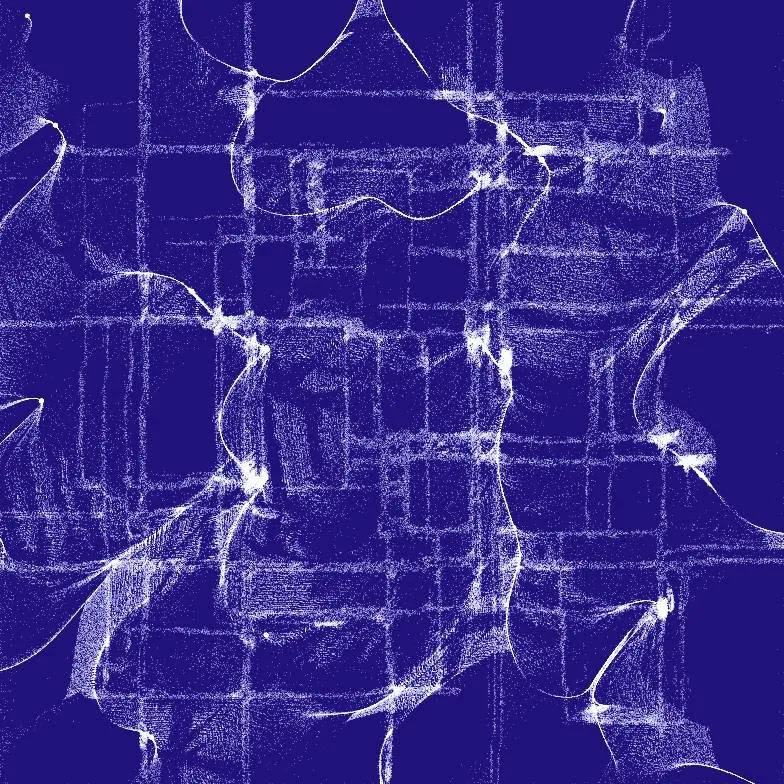
How can I turn a photo into a particle animation without After Effects?
Open Particular Drift in a desktop browser and upload the photo. Hundreds of thousands of particles gather on its edges and drift along a flow field. Randomize or fine-tune the look, then save a PNG or record an MP4. It is free, MIT licensed, and the image never leaves your computer.
On this page
How can I turn a photo into a particle animation without After Effects?
In short
Particular Drift is a single web page. It runs edge detection on your image, pulls particles toward the outlines it finds, and pushes them along a 2D or 3D noise field so they never settle. There is nothing to install, no account, and no build step if you would rather run the open-source code locally.
Photo to particle animation in three steps
1. Upload. Click Upload Image or press u. Photos with strong outlines and contrast give the clearest shapes; flat, low-contrast images turn into fog.
2. Randomize. Press the dice button or r to shuffle every parameter. The developer recommends this as the fastest way to find a style for a new image.
3. Refine and export. Open the control panel at the top right to adjust one setting at a time, then press s for a PNG or v to start and stop a video.
What happens to your image
All processing happens in your browser on your own graphics card. The developer states that he has no access to uploaded images and that nothing is saved on his side. The page does load Umami analytics, so your visit is counted, but the picture itself stays local.
The controls that shape the look
In short
Two sliders do most of the work. Raise attraction strength and the particles stick to the edges, so the image reads clearly. Raise particle speed and they break loose and stream across the canvas. Everything else tunes texture and colour around that balance.
Particle count: 300,000 by default, adjustable from 200,000 to 600,000. More particles give denser lines and a heavier load on your GPU.
Edge threshold: decides how strong an outline must be before particles gather on it. Lower it for busy images, raise it to keep only the main shapes.
Flow field: scale from 1 to 10, plus a choice of 2D or 3D noise. 3D noise makes the drift change over time instead of following fixed currents.
Colour: 16 palettes, from noir and ink to sakura and galaxy, plus background and particle colour. Press c to jump to a random palette.
Playback: space pauses, enter restarts the animation from your image.
Price
Free, MIT licence
Runs in
Browser (WebGL2)
Particles
200k to 600k
Palettes
16
Exports
PNG and MP4
Uploads
None, stays local
Export a particle animation as video or PNG
In short
Press s to save the current frame as a PNG. Press v to start recording and v again to stop; the MP4 lands in your downloads folder. There is no time limit, so you can record a short loop or a long ambient piece.
Format: H.264 MP4 at 30 frames per second and about 16 Mbit/s, encoded in the browser with WebCodecs.
Browser: the README recommends Chrome or Edge. Firefox, iPhone and Android use a fallback recorder whose output depends on the browser.
Size: the canvas is scaled to the shorter side of your window minus 40 pixels, so the export can never be larger than your screen allows.
Make the window big before you upload
A laptop window with a 900-pixel-tall viewport gives you roughly an 860-pixel canvas. For a sharper file, go full screen on your largest display first, then upload. If the recording stutters, lower the particle count, close other tabs, or plug in your laptop; the developer suggests OBS Studio as a fallback recorder.
Particular Drift vs Force-Field Animation, Particle Studio, Motion, TouchDesigner and Trapcode Particular
In short
Particular Drift is not the only free option: its sibling Force-Field Animation and Particle Studio cost nothing too. The paid tools buy you control rather than a look. Apple Motion is $49.99 once, TouchDesigner Commercial is $600, and Trapcode Particular needs a Red Giant subscription on top of After Effects.
| App | Price | Runs in | Starts from your image | Export | Learning curve |
|---|---|---|---|---|---|
Particular Drift this one this article | Free (MIT) | Browser | Yes, edges and flow field | PNG, MP4 | Minutes |
Force-Field Animation same developer | Free (MIT) | Browser | Yes, mouse pushes particles | PNG, MP4 | Minutes |
Particle Studio web tool, 2026 | Free | Browser | Yes, shaped particles | Share link, HTML bundle | Minutes |
Apple Motion Mac App Store | $49.99 once | macOS 26.6+ | Via emitters and replicators | ProRes, H.264, HEVC | Days |
TouchDesigner Derivative | Free non-commercial; $600 Commercial | Windows, macOS | Yes, node network you build | Video, live output | Weeks |
Trapcode Particular Maxon Red Giant | Subscription only, plus After Effects ($22.99/mo) | After Effects | Yes, layer emitters | Any After Effects render | Weeks |
A Trapcode Particular alternative for loops, not for compositing
If you want one striking moving image from one picture, Particular Drift gets you there in minutes for free. It has no timeline, keyframes, camera or layers, so it cannot build a shot that changes on cue or composite particles into live footage. For that, Motion is the cheapest one-time buy, and Trapcode Particular remains the standard in After Effects.
Who Particular Drift suits, and who should skip it
In short
It suits musicians making a visual for a release, designers who want an animated logo or header, and anyone turning artwork into a social loop. Skip it if you need exact timing, resolution beyond your screen, or a scene you can edit later; it records what you see, live.
It needs a capable GPU: the page warns of lag on weaker machines, on low battery, or with many tabs open, and the one Product Hunt review (4 out of 5) reports lag with large particle counts.
No saved projects: settings live in the page while it is open. Export before you close the tab.
Small project: one developer, about 160 GitHub stars and 32 commits on 3 November 2026. It is MIT licensed, so you can run or fork it yourself.
A quick first run
Pick a high-contrast photo, open the tool full screen in Chrome or Edge, press r a few times until a style clicks, then press v, let it run for ten seconds, and press v again. Facts were verified on 3 November 2026.
Frequently asked questions
Is Particular Drift free for commercial use?
Yes. It is released under the MIT licence, and the developer states it is free for personal or commercial purposes, with no paywall or premium tier. A Buy Me a Coffee tip is optional.
Does Particular Drift upload my images anywhere?
No. The animation runs on your own GPU in the browser, and the developer says he has no access to the images you load; they stay on your computer. The page does use Umami analytics, so the visit itself is counted.
Why does the video export fail or stutter?
Video export uses the WebCodecs API, and the README recommends Chrome or Edge. Firefox, iPhone and Android use a fallback recorder. If recording stutters, lower the particle count or close other tabs; the developer suggests OBS Studio as a backup screen recorder.
How do I get a higher-resolution export?
Make the browser window bigger before you upload. The canvas is sized to fit the shorter side of the window minus 40 pixels, so a full-screen window on a large monitor gives the biggest PNG or MP4.
Does Particular Drift work on a phone or tablet?
It can. The code has a mobile recording path for iOS and Android, but it needs WebGL2 with float-texture support and moves 200,000 to 600,000 particles, so a recent desktop browser runs it far more smoothly.
Is Particular Drift the cheapest way to make a particle animation from a photo?
It ties for cheapest: it is free, as are Force-Field Animation (by the same developer), Particle Studio and the non-commercial tier of TouchDesigner. Apple Motion costs $49.99 once. Trapcode Particular comes only with a Red Giant or Maxon One subscription and needs After Effects ($22.99 a month on the annual plan).
Sources
- 1
Particular Drift (the tool and its notes)
Controls, hotkeys, image and video export, the MIT licence and "without any paywalls or premium options", personal or commercial use, client-side processing, the lag warning and the OBS Studio tip.
- 2
MIT licence; Sobel edge detection, Perlin or simplex noise in 2D or 3D; WebGL2 with EXT_color_buffer_float and OES_texture_float_linear; WebCodecs and mp4-muxer video export, Chrome or Edge recommended; 160 stars and 32 commits on 3 November 2026. Slider ranges, the window-sized canvas, PNG output and the 30 fps, 16 Mbps MP4 settings are read from the shipped main.js and canvasVideoExport.js.
- 3
Particular Drift on Product Hunt
Launched in 2025 by Alan Ang; 140 upvotes, #8 of its day; one 4/5 review noting lag with many particles.
- 4
Transform Images into Dynamic Particle Animations (CSSScript)
Developer-side write-up from 4 February 2025: runs in the browser, edge detection plus noise flow fields, export as images or video.
- 5
Same developer; free, MIT; mouse or touch pushes particles away and they heal back; PNG and MP4 export.
- 6
Particle Studio on Product Hunt
Free web tool from 2026; circle, square, triangle or cube particles; share link and a desktop-only HTML bundle export.
- 7
$49.99 one-time; version 6.4 (29 September 2026); macOS 26.6 or later.
- 8
TouchDesigner Non-Commercial (Derivative)
Free for unpaid use; image resolution limited to 1280x1280.
- 9
TouchDesigner Commercial (Derivative store)
$600, perpetual, with free updates for one year from purchase.
- 10
Trapcode Particular is part of the Red Giant subscription toolkit.
- 11
Maxon to raise subscription prices in September 2024 (CG Channel)
Background: Red Giant perpetual licences were discontinued in 2021.
- 12
Single app: US$22.99 a month on the annual plan, billed monthly.

Particular Drift
Turn images into flowing particle animations
Web
More apps worth a look: browse the desktop